Showtime has long been a titan in the world of premium television, blessing our screens with critically acclaimed original series like Yellowjackets, Billions, and Your Honor.
For Aussie fans, however, accessing the full breadth of Showtime’s incredible library has been a frustrating puzzle.
Due to complex content licensing agreements, Showtime’s content is scattered across multiple Australian streaming services, and many of its best shows are simply unavailable.
But don’t despair! In this guide, I’ll break down all the ways you can watch Showtime in Australia and reveal the best method for unlocking the entire Showtime and Paramount+ US library from down under.
Quick Steps to Access Complete Showtime Library in Australia:
- Download and subscribe to a reliable streaming VPN – I tested 18 VPNs and found ExpressVPN the finest among all due to its powerful and lightning server speeds, impressive unblocking capability and a 30-day money-back guarantee.
- Now open the VPN app, sign in and connect to the US server. I used New Jersey 2, New York, Washington, and Los Angeles.
- Visit Paramount Plus website. Based on your US IP address, it will automatically land you on the US version of the website, sign up for Paramount+ Showtime plan. You can purchase Paramount+ USA gift cards from mygiftcardsupply.com using your Australian debit/credit card or PayPal.
- Now look for your favourite Showtime content and start streaming in Australia.
Offers 30-day money-back guarantee!
The Fragmented State of Showtime in Australia
If you’re a die-hard Showtime fan in Australia, you’ve likely found yourself subscribing to a handful of different services to keep up with your favourite shows. Here’s a glimpse of where you can find some of Showtime’s most popular titles in Australia:
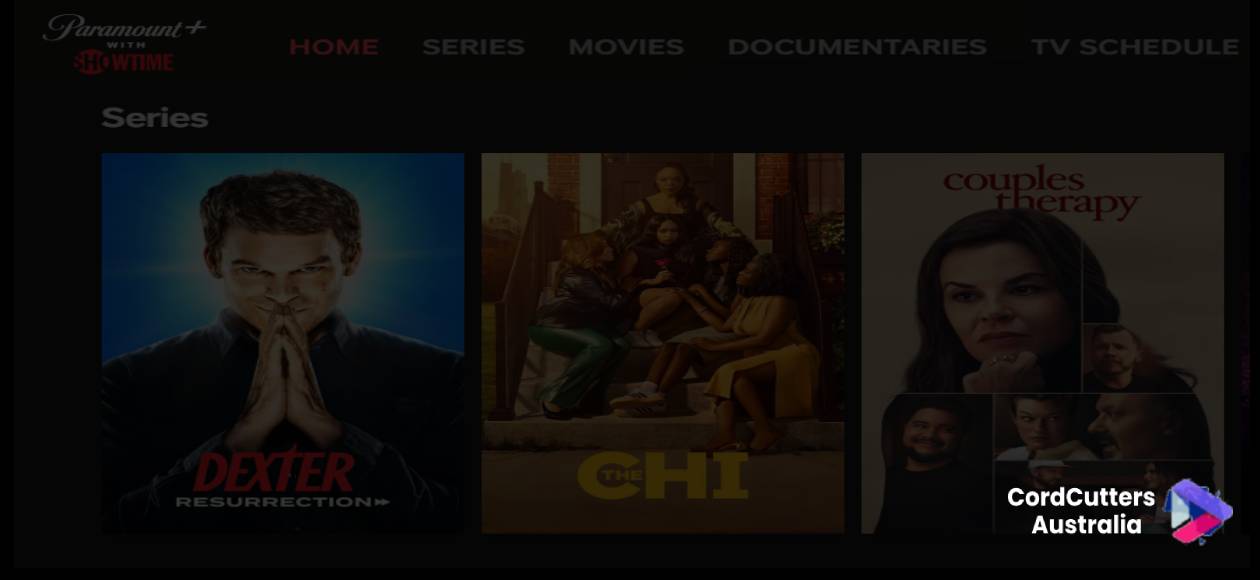
- Paramount+: Yellowjackets, The Man Who Fell to Earth, Super Pumped, and The First Lady.
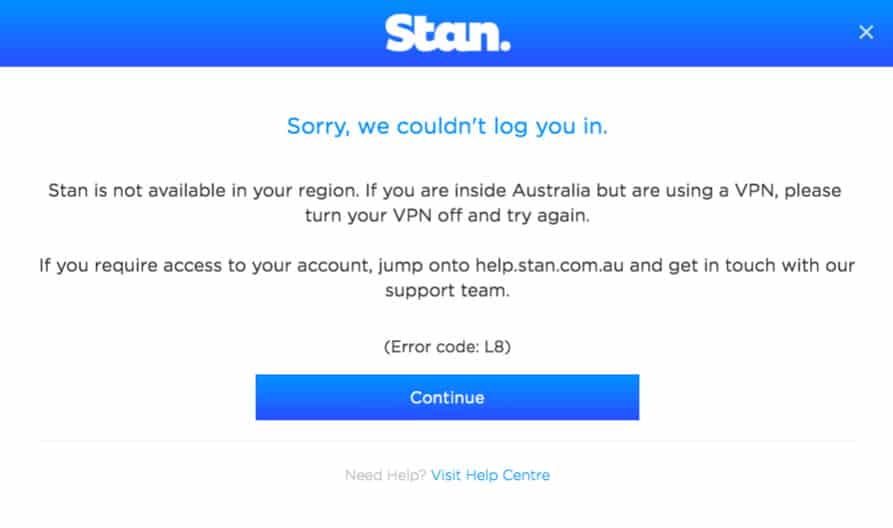
- Stan: Billions, City on a Hill, The L Word: Generation Q, Your Honor, and Black Monday.
- Disney+: The Chi.
- Other Services: You might find a season or two of a Showtime series on services like SBS On Demand, Foxtel Now, or even Tubi.
As you can see, to get a comprehensive Showtime experience in Australia, you’d need to subscribe to at least three different services, which can be both costly and inconvenient. Even then, you’re still missing out on a significant portion of the Showtime library that’s available in the US.
How to Access Showtime Complete Library in Australia? [Detailed Step-by-Step Instruction]
As I already mentioned, the only way to access the complete Showtime library in Australia is by accessing Paramount+ Showtime USA version.
And for that, you need two things:
- A reliable VPN streaming service that can unblock Paramount+ USA in Australia – Step 1
- Paramount+ Showtime subscription using Australian credit/debit or PayPal account – Step 2
So first, let’s find out which VPN works best to access Paramount+ Showtime US in Australia.
Choosing the Best VPN to Access Showtime in Australia
To find the most reliable way to stream Showtime from Australia, I put my technical hat on and conducted extensive testing. I rigorously evaluated 18 popular VPN providers based on their ability to unblock US Paramount+, streaming speeds from Australia, server availability, and ease of use. After weeks of testing, three VPNs consistently stood out from the pack.
Here are my top 3 recommendations that reliably unblock Showtime in Australia.
Best Showtime VPN for Streaming Online
1. ExpressVPN – Recommended for Streaming Showtime
In all my tests, ExpressVPN was the undisputed champion for watching Showtime in Australia. Its performance is simply in a league of its own. With a vast network of over 3,000 servers in 105 countries, including numerous optimized servers across the US, I had no trouble getting a stable, high-speed connection every single time.
From my location in Sydney, I connected to ExpressVPN’s New York server and was able to stream Yellowjackets in flawless Ultra HD with zero buffering. It felt as if I were streaming from a local service.
What I particularly appreciate is its broad device compatibility. I tested the native apps on Windows, Mac, Android, and my Amazon Firestick, and all worked seamlessly. For my LG Smart TV, which doesn’t support VPNs directly, I used ExpressVPN’s MediaStreamer (Smart DNS) feature. The setup was surprisingly simple and allowed me to stream on the big screen without a hitch.
Beyond Showtime, I confirmed that ExpressVPN effortlessly unblocks other major platforms like US Netflix, Hulu, HBO Max, and BBC iPlayer. If you’re looking for a hassle-free, “it just works” solution for all your streaming needs, ExpressVPN is hands-down the best choice.
Offers 30-day money-back guarantee!
2. NordVPN
NordVPN is another powerhouse and a very close runner-up. It’s a fantastic choice for accessing Showtime, offering a massive network of over 6,000 servers in 60+ countries. During my tests, I found its SmartPlay feature, which is integrated into all its servers, incredibly effective for unblocking streaming services.
Connecting to a US server was quick, and I could reliably access the Paramount+ with the Showtime library. While the connection was a fraction of a second slower to establish than ExpressVPN’s, the streaming quality was excellent once connected. I could easily stream other services like Disney+ Hotstar and the US version of Paramount+.
For users who are security-conscious as well as being avid streamers, NordVPN offers an impressive suite of features that make it a top-tier, reliable option.
Offers 30-day money-back guarantee
3. Surfshark — The Best Budget-Friendly VPN
For those on a budget, Surfshark offers incredible value without compromising on core functionality. While it might not have the raw speed of ExpressVPN, I found it more than capable of streaming Showtime in HD from Australia. I tested it from Sydney, and it worked great for accessing the US Paramount+ library.
Surfshark’s standout feature is its unlimited simultaneous connections. This is a huge bonus for families or individuals with multiple devices. I had it running on my laptop, phone, and tablet all at once without any issues. Like ExpressVPN, it also offers a Smart DNS feature for devices like Roku, PlayStation, and Smart TVs.
If you’re looking for a cost-effective VPN that gets the job done and covers every device you own, Surfshark is an excellent choice.
Offers 30-day money-back guarantee!
VPN Comparison: Showtime in Australia At a Glance
Here’s a side-by-side comparison to help you choose the best VPN for your needs based on my personal testing.
| Feature | ExpressVPN | NordVPN | Surfshark |
|---|---|---|---|
| My Rating | ★★★★★ | ★★★★★ | ★★★★★ |
| Best For | Overall Best Streaming | Speed & Security | Best Value & Unlimited Devices |
| Showtime Unblocking | Excellent | Excellent | Very Good |
| HD Streaming Speed | Fastest | Fast | Good |
| US Servers | 20+ Locations | 15+ Locations | 25+ Locations |
| Smart DNS Feature | ✅ (MediaStreamer) | ✅ (SmartPlay) | ✅ |
| Simultaneous Connections | 8 | 10 | Unlimited |
| Money-Back Guarantee | 30 Days | 30 Days | 30 Days |
Once you sign up for a VPN, it’s time to subscribe and access the full Showtime library on Paramount+ US.
How to Pay and Access to Paramount+ Showtime USA in Australia?
As I already mentioned, like Hulu and Peacock TV, you also need a US payment method to pay for Paramount+ US from Australia.
Paramount+ US gift card is the best way to pay if you don’t have a US payment method.
Here’s how to pay and access Paramount+ Showtime USA in Australia:
- Connect to the US server using a VPN.
- Buy a Paramount+ US gift card (digital) from websites like MyGiftCardSupply using your Australian debit/credit card or PayPal.
- While connected to the U.S. VPN server, visit paramountplus.com, choose the Paramount+ with SHOWTIME plan (US $12.99/mo or AU $20/mo), and select “Redeem Gift Card” at checkout.
- Complete the registration using a U.S. ZIP code (e.g. 10001).
- Once signed up, start streaming all your favourite Showtime shows in Australia!
What is the Cost of Showtime in Australia?
To get access to the Showtime library in Australia, you’ll need to subscribe to the Paramount+ Premium tier, costing about AU $18.40/month or A$179.69/year. The lower-priced plan does not include Showtime content.
| Plan | Price (AUD) | Includes Showtime? | Notes |
|---|---|---|---|
| Paramount+ Essential/Standard | A$9.19–A$9.99/month | No | Ad-supported or ad-free |
| Paramount+ Premium (Showtime) | A$18.40/month or A$179.69/year | Yes | Ad-free, Showtime content included |
What are the Different Showtime Subscription Options in Australia?
There are two main ways to access Showtime content in Australia: through Paramount+ AU (limited selection) or US Paramount+ Premium via VPN (full catalog).
| Access Method | Showtime Content Access | Free Trial | Notes |
|---|---|---|---|
| Paramount+ Australia Tier | Selected Showtime titles included | 7 days | Content selection may be limited |
| U.S. Paramount+ with Showtime (via VPN) | Full U.S. Showtime library | 7 days | Requires VPN + U.S. payment, gives complete access |
Compare Paramount+ Showtime USA to Stan in Australia.
Stan offers many Showtime originals in Australia without needing a VPN, while accessing the full US Showtime catalog requires a VPN and workaround payment method. Here’s how they compare:
| Feature | Showtime (US via VPN) | Stan (Australia) |
|---|---|---|
| Availability | Not officially available in Australia (VPN needed) | Fully available across Australia |
| Access Method | VPN + US payment (e.g., gift card or virtual card) | Direct subscription with AU billing |
| Cost | ~US$11.99/month (with Paramount+ bundle) | AU$10–21/month (Stan Basic to Stan Premium) |
| Free Trial | Yes, 7 days (via Paramount+ US bundle) | Yes, 30-day free trial |
| Original Shows | Billions, Yellowjackets, Dexter: New Blood | Wolf Creek, Bloom, The Tourist, Bump |
| Showtime Series on Stan? | Yes – Stan has licensing rights to many Showtime shows | Natively available – no VPN needed |
| Streaming Quality | Up to 1080p (standard Showtime app) | Up to 4K Ultra HD (Premium plan) |
Is Showtime Available in Australia?
Paramount+ AU contains a few Showtime titles. However, if you want to access its full catalogue, US Paramount+ Premium will be your go-to option. Showtime has recently merged with Paramount+, and to access it, you will have to change your device location to the US by using a VPN (ExpressVPN).
How VPN Unblocks Showtime in Australia?
Showtime is geo-blocked due to streaming rights and content licensing policies. Its IP tracking system detects users outside the US and blocks access, displaying messages like “Video cannot be viewed from your current location.”
A VPN helps bypass this by masking your Australian IP address and replacing it with a US IP. This tricks Showtime into believing you’re in the US, granting you access.
By connecting to a US server via a VPN, you can seamlessly unblock and stream Showtime in Australia, bypassing geo-restrictions with ease.
Offers 30-day money-back guarantee!
Where Can I Watch Showtime?
The good news is Showtime supports a variety of devices for streaming its amazing content. Here is the list of devices where you can watch Showtime:
- PC/Desktop (Windows, Mac, and Linux)
- Android (Smartphones, Tablets, NVIDIA SHEILD, LeEcho TV, SONY BRAVIA, Hisense TV and Xiaomi MiBox)
- iOS (iPhone and iPad)
- Apple TV (3rd generation or above)
- Roku (2nd generation or above)
- Samsung Smart TV
- Amazon Firestick/Fire TV
- Chromecast
- Facebook (Portal TV)
- PlayStation 4 and 5
- XBOX ONE, XBOX SERIES X|S
- VR Devices (Oculus Go and Oculus Quest)
How to watch Showtime on Apple TV Australia in 2025?
There are two ways to watch Showtime, whether by subscribing locally via Paramount+ or accessing the full US Showtime catalogue.
Option 1: Paramount+ Premium (Australia)
- Showtime content is built into the Premium plan of Paramount+ Australia.
- Download the Paramount+ app from the Australian App Store on your Apple TV (4th generation or later).
- Log in to your Premium subscription and stream Showtime originals directly.
- Note: Some Showtime episodes on Apple TV Channels (the Apple TV app listing) may be locked or unavailable if subscribed through Apple Channels; use the official Paramount+ app for the best experience.
Option 2: U.S. Paramount+ with Showtime (via VPN)
- Download the VPN app on your Apple TV and connect to the US server. Apple TV running tvOS 17 or later now supports VPN apps.
- Visit Paramount+ and sign up for Paramount+ with Showtime plan. Based on your US IP address, it automatically redirects you to a US website.
- Now sign in on Paramount+ app and start streaming in Australia
What Can I Watch on Showtime?
There are many TV shows and movies that you can watch on Showtime to satisfy your binge cravings. But if you don’t know where to start, following is the list of best TV shows and movies that you must watch on Showtime:
TV Shows
- The Curse
- Billions
- Waco: The Aftermath
- Yellowjackets
- George & Tammy
- I Love That for You
- Vice
- Flatbush Misdemeanors
- Homeland
- Stargate
- House of Lies
- Nurse Jackie
- The Tudors
- Masters of Sex
- The Affair
- Web Therapy
- Ray Donovan
- Twin Peaks: The Return
- Shameless
- Escape at Dannemora
- On Becoming a God in Central Florida
- Queer as Folk
- The United States of Tara
- The L Word
- Dexter
- Penny Dreadful
- Back to Life
- The Borgias
- Dead like Me
- The Big C
- Weeds
Movies
- THE VVITCH
- Seven Psychopaths
- Room
- Hereditary`
- Laggies
- Eight Grade
- Green Room
- No Country for Old Men
- 1917
- The Lobster
- Under the Skin
- Sword of Trust
- Swiss Army Man
- Do the Right Thing
- Amy
- About a Boy
What are the different alternatives to Showtime in Australia offering similar content?
The best Showtime alternatives in Australia are Paramount+ (official Showtime content), Stan, Binge, Netflix AU, and Amazon Prime, with prices ranging from A$6.99 to A$12/month.
| Platform | Similar To Showtime For | Starting Price | Free Trial |
|---|---|---|---|
| Paramount+ | Official Showtime home | A$9.99/mo | 7 days |
| Stan | Premium dramas & thrillers | A$12/mo | 30 days |
| Binge | HBO-style, edgy dramas | A$10/mo | 7 days |
| Netflix AU | Originals, global hits | A$6.99/mo | None |
| Amazon Prime | Gritty and intelligent series | A$9.99/mo | 30 days |
What are the troubleshooting tips for Showtime streaming in Australia?
Common Showtime streaming issues in Australia can be resolved by checking your internet connection, updating apps, clearing cache, or adjusting VPN settings. See the table below for specific solutions:
| Problem | Solution |
|---|---|
| Streaming, buffering, or poor quality | Test internet speed (≥5 Mbps for HD), restart router/device |
| App crashes or won’t load | Update app/device or reinstall |
| Locked content or errors in episodes | Clear cache or cookies; sign out/in again |
| An error shows you’re using a VPN or proxy | Temporarily disable a VPN or ask a provider to whitelist your IP |
| Audio/video issues on specific devices | Check device compatibility; update firmware |
| No known service outage yet issues persist | Contact Paramount+ support |
FAQs
Is SHOWTIME on Paramount Plus Australia?
Yes, SHOWTIME content is available on Paramount Plus in Australia. It includes popular SHOWTIME originals like Yellowjackets and Billions. Access is included with your Paramount Plus subscription.
What is the best way to watch Showtime in Australia in 2025?
Formerly branded as “Paramount+ with Showtime,” now simply called Paramount+ Premium, this is the official way to access Showtime content in Australia. But if you prefer the U.S. Showtime catalogue, you can subscribe through U.S. Paramount+ Premium using a VPN and a US payment method or gift card.
Is Showtime available in Australia through Binge?
No, Binge does not offer Showtime as a standalone branded channel in Australia, and there is no separate Showtime subscription via Binge.
Is Showtime available on Telstra TV in Australia?
No, there is no standalone Showtime app or channel on Telstra TV in Australia. However, you can watch Showtime content through Paramount+ Premium, which is available on Telstra TV.
Parting Thoughts
To watch Showtime in Australia, the easiest and legal method is through Paramount+ Australia, which offers many Showtime originals like Dexter, Billions, Yellowjackets, and The Chi as part of its library, starting at A$9.99/month. You can also find similar content on Stan, Binge, and Amazon Prime Video.
Moreover, if you want access to the full U.S. Showtime + Paramount+ catalog, including exclusive or earlier releases, you can subscribe to U.S. Paramount+ with Showtime using a VPN.